In 2025, streaming to just one platform is like trying to sell a product in a shop with no windows. If you aren't visible on the TikTok "Live" feed and YouTube Shorts algorithm while you’re live on Twitch, you are leaving 90% of your potential growth on the table.
The problem? Most multistreaming services charge $20–$50 a month, and "cloud restreaming" often adds massive latency.
In this guide, we will break down the Vertical-First Multistreaming strategy that professional US-based creators are using to 10x their discoverability without spending a dime on subscriptions…
Why "Vertical-First" is the Secret to 2025 Growth
For years, streaming was 16:9 (horizontal). But the "Discovery Feed" on mobile is 9:16 (vertical). To win today, you need to provide a native experience for both.
The Goal: A high-quality Twitch stream for your core community, and a perfectly framed Vertical stream for the TikTok/Reels algorithm to pull in new viewers.
The Ultimate "Zero-Cost" Software Stack
Forget the paid web-tools. To get the best quality with the lowest latency, you need to handle the encoding locally.
1. OBS Studio 30.1+ (The Core)
The latest versions of OBS have improved native support for multiple encoders. Ensure you have the Aitum Vertical Plugin installed. It creates a secondary "Vertical Canvas" right next to your standard one.
2. The RTMP Protocol vs. SRT
While most beginners use RTMP, savvy streamers are switching to SRT (Secure Reliable Transport).
Why? SRT handles "jitter" and internet fluctuations much better than RTMP. If you want to avoid the "Frame Dropped" red square in OBS, use SRT for your primary ingest.
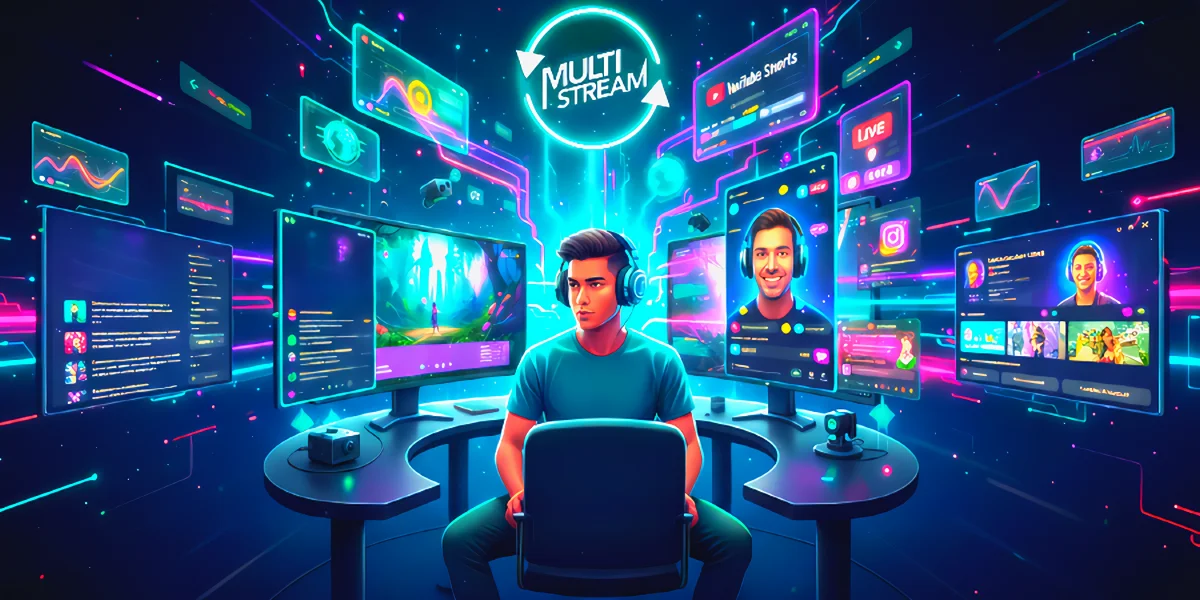 Step-by-Step: Setting Up Your Vertical Canvas
1. Install Aitum Vertical: Download the plugin. It adds a 1080x1920 canvas to your OBS.
2. Backtrack Feature: Set up a 60-second "Backtrack." This allows you to hit a button and instantly save a vertical clip for TikTok/Shorts—saving you hours of editing later.
3. The "Virtual Camera" Trick: If you don't have a TikTok Stream Key (which requires 1k followers), you can use the OBS Virtual Camera to feed your vertical canvas directly into the TikTok Live Studio or Instagram Live Producer.
Technical Requirements for Multi-Streaming
To ensure your stream remains lag-free while broadcasting to multiple platforms, use these 2025 Golden Standard settings:
Encoder: NVIDIA NVENC (H.264 or AV1)
Why: This offloads the heavy lifting from your CPU to your dedicated GPU hardware. It allows you to run a high-end game and two simultaneous stream encodes without dropping frames.
Bitrate for Twitch: 6,000 Kbps
Why: This is the maximum stable ceiling for non-partnered streamers, providing a crisp 1080p/60fps experience for your core community.
Bitrate for TikTok/YouTube Mobile: 4,000 – 5,000 Kbps
Why: Optimized for mobile data users. This range ensures your vertical feed is high-quality but won't cause constant buffering for viewers on 4G/5G connections.
Internet Upload Speed: 20 Mbps+ (Stable)
Why: You need enough "overhead" to handle two outgoing streams, your game's data, and voice apps like Discord. 20 Mbps is the safe zone for a dual-stream setup.
The "Discoverability" Workflow
To maximize the global algorithm, follow this 3-step routine:
1. Go Live on All 3: Start your Twitch/YT (Horizontal) and TikTok (Vertical) at the same time.
2. Live Engagement: Use a "Multi-Chat" overlay (like SheepChat or Restream Chat) so you can see TikTok comments and Twitch comments in one window.
3. The Clip-to-Cloud Pipeline: Use an AI tool like Munch or OpusClip during your stream. Since you are already streaming in 9:16, these tools can identify your best moments and post them to Reels automatically.
Common Pitfalls to Avoid
Audio Echo: Ensure your Vertical Canvas isn't capturing the same desktop audio twice. Use Application Audio Capture in OBS to isolate your game and mic.
The "TikTok Key" Struggle: If you are under 1,000 followers, use the "TikTok Gaming Room" application on your phone to cast your PC screen—it's a workaround that many US streamers use to bypass the follower limit.
Final Thoughts
The era of "Twitch-only" streamers is ending. The future belongs to the omnichannel creator. By setting up a local vertical-horizontal dual stream, you are effectively running three marketing campaigns for your brand simultaneously for the price of one.
The secret to explosive growth in 2025 lies in mastering the 'Content Loop'—the cycle of turning live streams into endless social media reach.
Read more in our blog…
